Banyan Studio
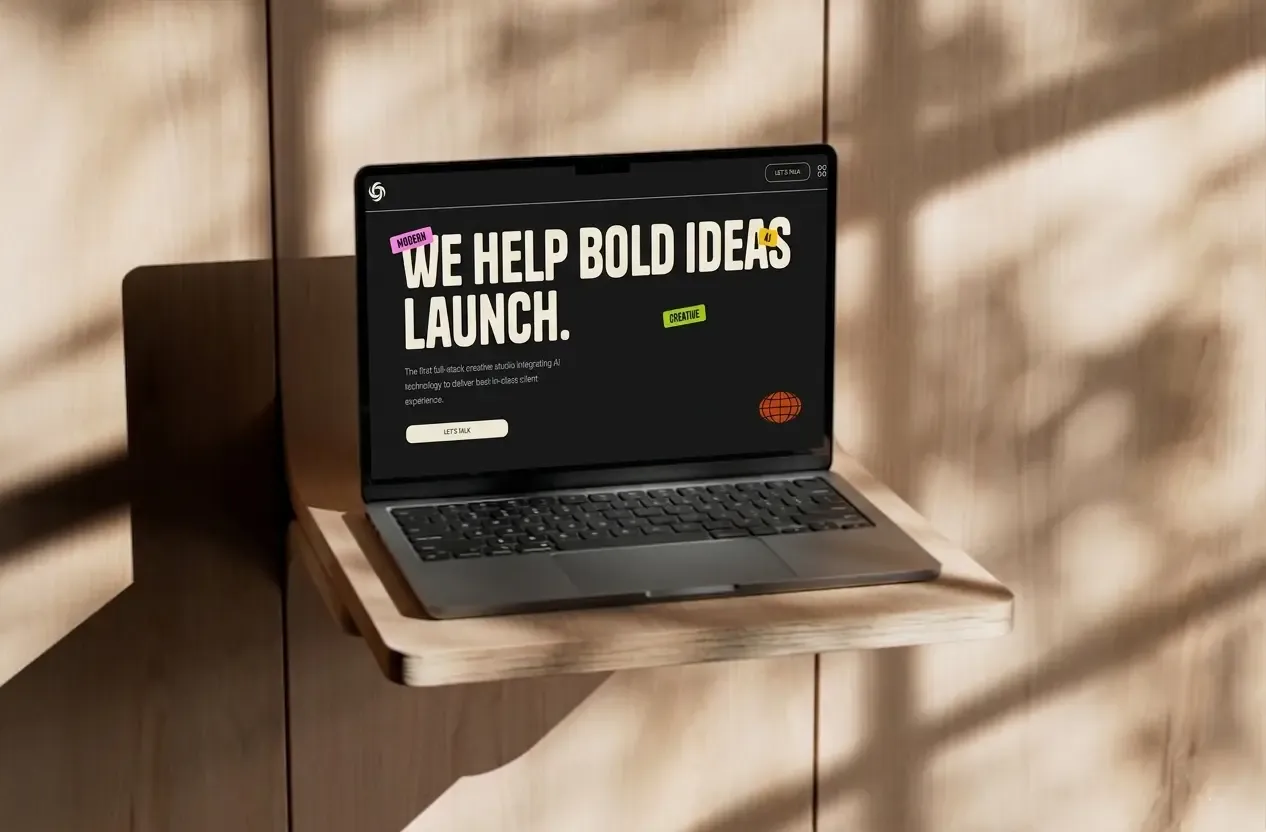
A high-performance creative studio template built with Astro 6, GSAP animations, and a secure contact system — designed to help agencies launch faster without compromising quality.
The Challenge
Most creative agencies struggle with the same problem: they spend weeks building their own website instead of focusing on client work. Off-the-shelf solutions feel generic, and starting from scratch is expensive and time-consuming.
I wanted to create a template that felt truly custom — one that an agency could pick up, adapt in a few hours, and launch with confidence. The real challenge was balancing flexibility with a strong, opinionated design that actually looks great out of the box.
Design Process
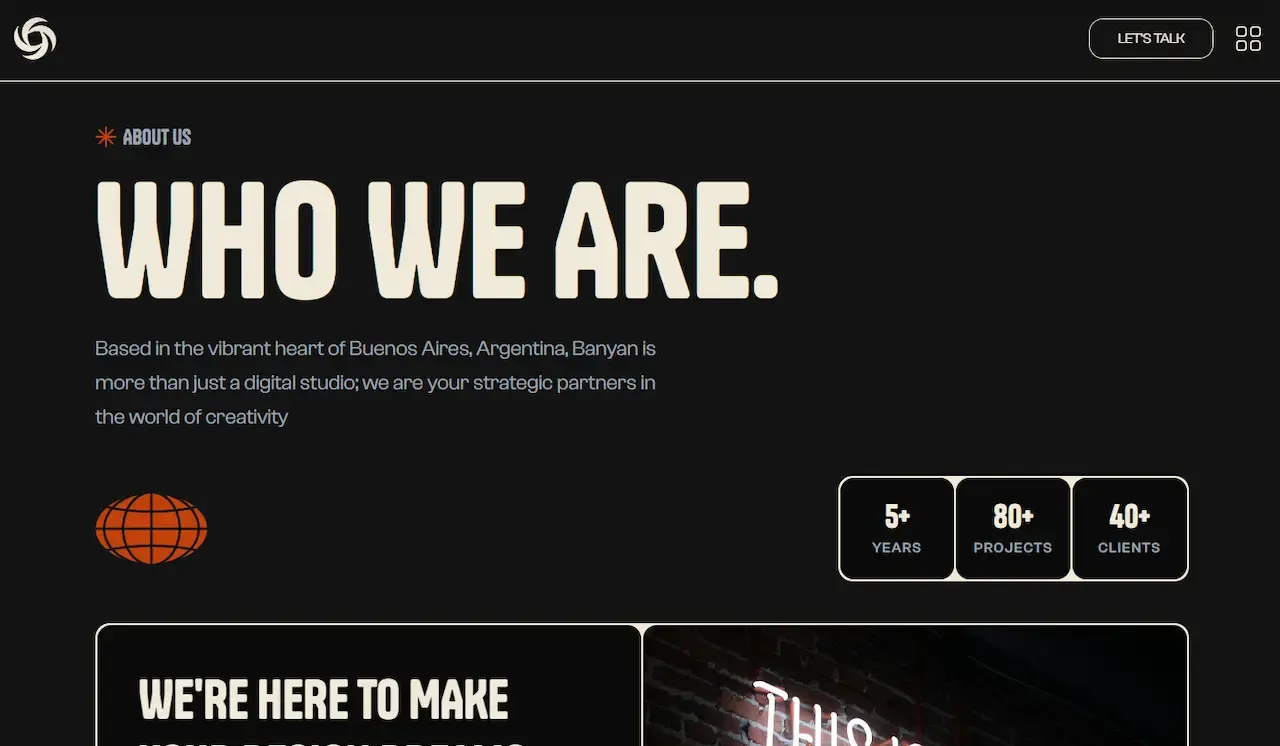
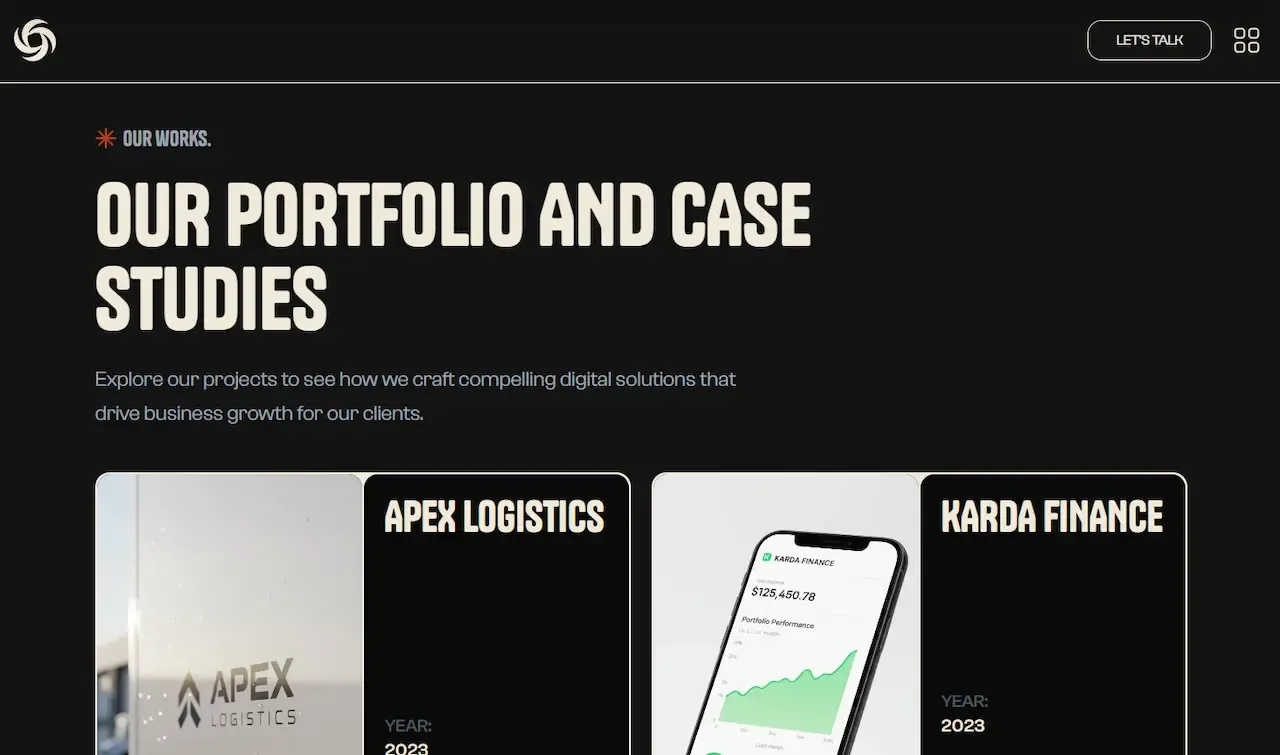
The design started with a clear direction: dark, bold, and editorial.
I researched how top-tier creative studios present themselves online and noticed a pattern — the best ones use restraint. Less color, more contrast, intentional whitespace. From that research, a few principles shaped every decision:
- Lead with typography — Tanker for display, Clash Grotesk for body
- Use dark backgrounds to make content feel cinematic
- Let animations communicate quality, not just decorate
- Give every section room to breathe
Every layout was designed to guide the visitor’s eye naturally from the hero all the way to the contact form — without friction.
Technical Decisions
Every tool in the stack was chosen with purpose:
| Tool | Why |
|---|---|
| Astro 6 | Ships zero JS by default — exceptional load times |
| Tailwind CSS v4 | Utility-first, clean and scalable codebase |
| GSAP | Timeline-level animation control CSS can’t match |
| Lenis | Buttery smooth scrolling tied to every interaction |
| Zod + Resend | Server-side validation and reliable email delivery |
The sticky card stacking, navbar shrink on scroll, and process panel reveals all required the kind of sequencing control that only GSAP can deliver cleanly.
The Result
Banyan Studio ships as a fully production-ready template. Out of the box it includes:
- Four core pages — Home, Works, Studio, Contact
- Content management via Astro Content Collections
- Type-safe configuration files
- Automatic sitemap and robots.txt generation
- WCAG-compliant components
- Legal pages — Terms, Privacy Policy, Licensing
- Sharp-powered image optimization
Load times are exceptional and the fullscreen menu and sticky card animation consistently get called out as standout details by clients.
Lessons Learned
Building a template meant for other developers changed how I think about code organization. Two things stood out:
Every decision had to be explainable. Naming conventions, file structure, config files — someone else would be reading and modifying this code, so clarity mattered more than cleverness.
SSR animations are harder than they look. Making GSAP work cleanly with Astro’s page transitions required careful cleanup logic and re-initialization hooks that weren’t obvious from the docs.
What I’d Do Differently
A few things I’d approach differently from day one:
- A proper theming system — customizing colors currently requires editing CSS variables across multiple files. Functional, but not seamless.
- CMS integration out of the box — Sanity or Contentful would let non-technical users manage content without touching code.
- Light mode from the start — retrofitting it later always costs more time than building it in upfront.
More works
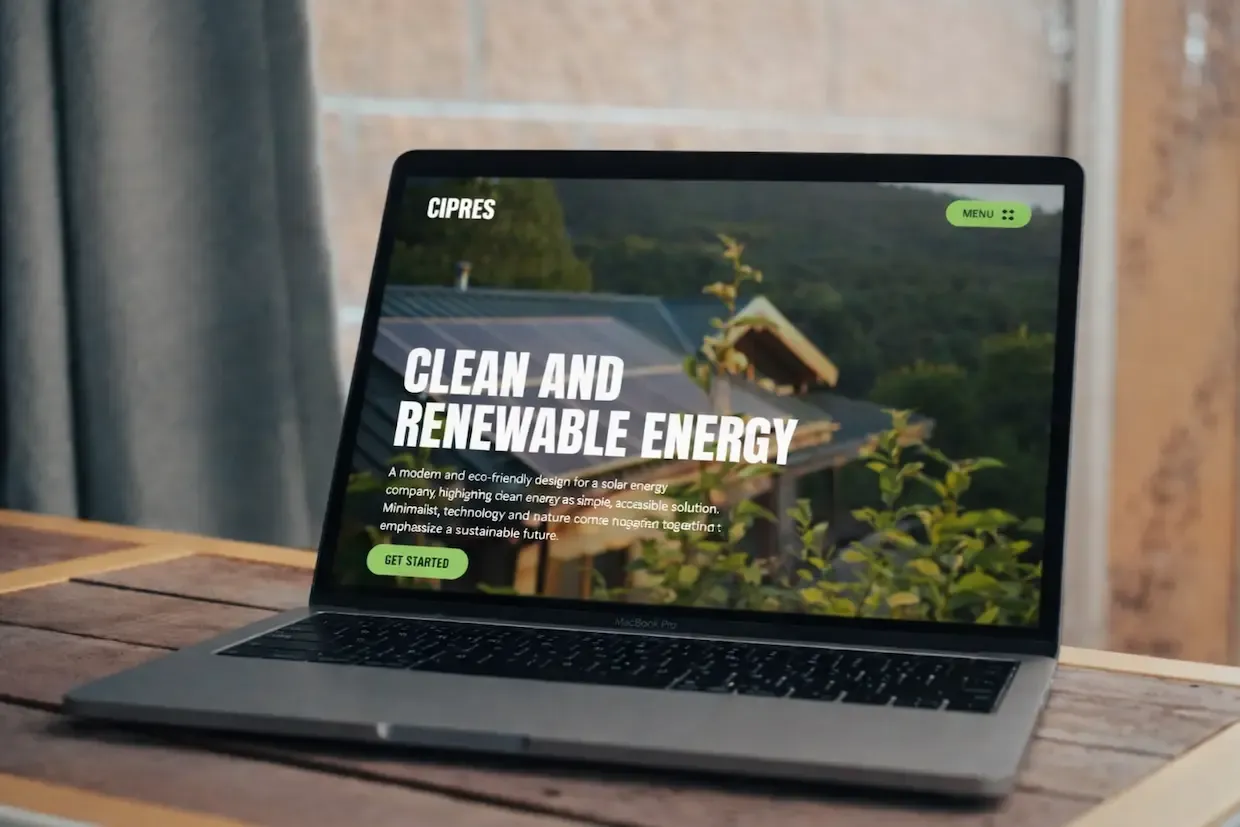
View all projectsCipres Agency
Cipres Energy